Maintenance and asset management software that keeps your equipment working.

Plan every service, catch faults before they stop the work, and see what each asset really costs. For plants, buildings, hotels, equipment and more.

Solmex in the field
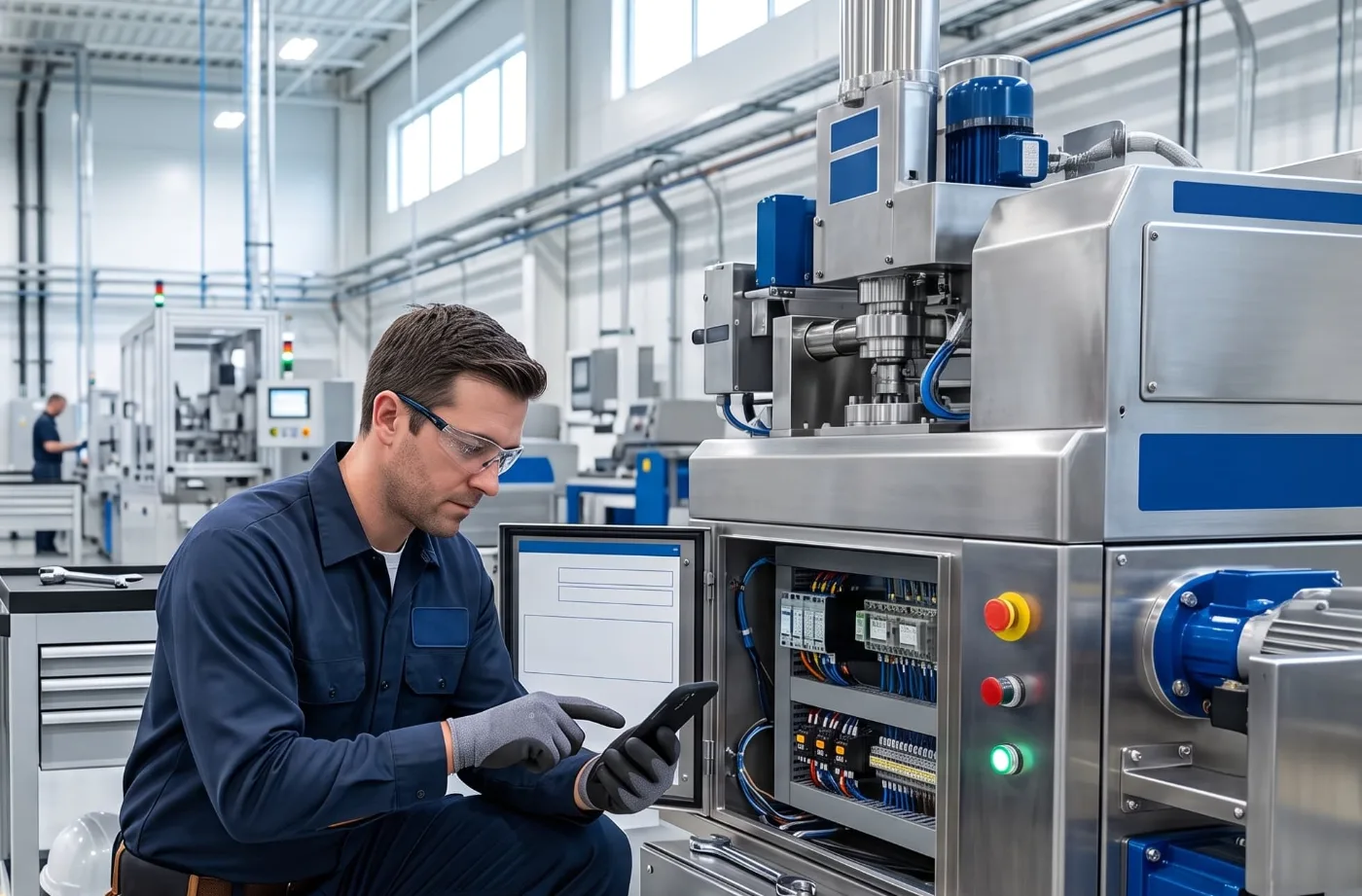
ManufacturingConveyor motor, line 3 · 500 h service
Hotels and buildingsRooftop chiller, block B · inspection
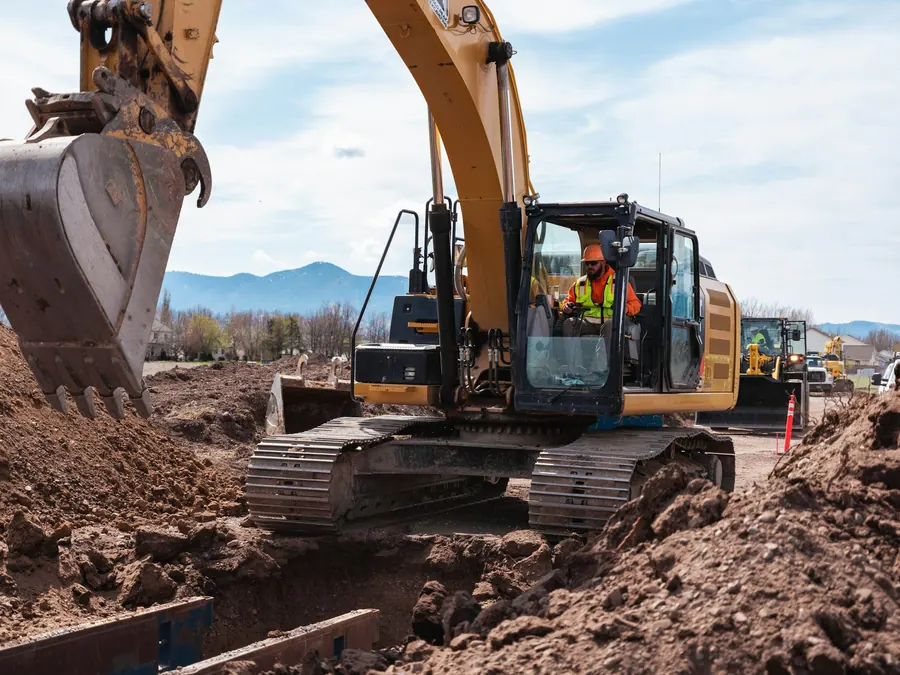
Construction and fleetExcavator EX-014 · breakdown
Facilities and campusesGenerator, plant room · QR scan

100+ companies trust Solmex

44%less downtime
54%fewer defects
12 to 18%lower maintenance costs

Results from a large road construction project that ran its maintenance on Solmex.

One system for the whole maintenance job.

Pick a module to see the real screen.

Every asset, one record.

Every machine on one record: its status, meter, location and history.

A QR code on every asset opens its record, no login needed.

Learn more

Every asset on your site, on one screen.

Every fault, work order, part and service, recorded the moment it happens.

Activity
  • All assets running
  • Fault reported, GEN-01 (QR scan)
  • Work order WO-0142 assigned to M. Demir
  • Filter issued from stock, 1 left
  • Signed off, downtime 38 min
  • TRK-07 serviced, next at 750 h
How Live Map works
Illustration of a site: a building, a generator, a fuel tank, solar panels, a warehouse and a truck. An operator scans the generator's QR code, a technician fetches a part from the warehouse and fixes it, then services the truck that is due.

Built for the people who do the work.

Big buttons, few words and their own language, on the phone already in their pocket. If it takes longer than paper, nobody uses it. So it doesn't.

  • Scan, don't search.

    A QR code on every asset opens its record and its open work in one tap.

  • Nothing to install.

    Solmex runs in the browser on the phone they already carry.

  • Proof taken on site.

    Photos and signatures are added where the work happened, not typed up later.

  • Free for everyone who reports.

    People who only report faults never need a paid seat, on any plan.

One system, whatever you maintain.

Your data, kept safe.

Start free. Grow when you are ready.

Start on one site with one user, at no cost. Add users and turn on modules as your operation grows.

Starter

For a small team getting every fault and every job off paper, on one site.

$0/ user / mo

Free forever. One full user, up to 25 machines, no card.

Unlimited free work requesters

Start free trial
  • Record the work:
  • Asset register, meters and daily entry
  • Work orders, faults and job cards
  • Work requests, from a QR code on the machine
  • Up to 25 machines, one site

Growth

For a team that plans maintenance instead of only reacting to it.

$10/ user / mo

Per full user, billed annually. $12 month to month.

Unlimited free work requesters

Start free trial
  • Everything in Starter, plus:
  • Preventive maintenance and service plans
  • Inspections and findings
  • Routine maintenance log and overdue tracking
  • Up to 50 machines, three sites

Business

For an operation that runs the whole yard and answers for its cost.

$35/ user / mo

Per full user, billed annually. $42 month to month. Onboarding included.

Unlimited free work requesters

Start free trial
  • Everything in Growth, plus:
  • Fuel logging, analytics and the A3 fuel report
  • Warehouse, spare parts and tools
  • Full cost ledger and cost per hour
  • Unlimited machines, sites and projects

Enterprise

For a large asset base where user count stops being the right measure.

Quoted

Priced on the size of your asset base, not on user count.

Unlimited free work requesters

Book a demo
  • Everything in Business, plus:
  • Priced on assets, so users stop being rationed
  • Dedicated implementation
  • A named support contact in your timezone
Start free trial

Compare every feature by plan →

All prices are in USD, per full user per month. Every new workspace starts with a 14-day free trial of the Business plan. When it ends you stay on Starter, free, with all of your data. Paid plans are not yet open for purchase, so nothing is charged.

Frequently asked questions

01How is Solmex different from a spreadsheet?

Solmex keeps one record for each asset. Every work order, service, inspection, part, meter reading and cost links to that record, so you see the true cost and the true availability of each one. A spreadsheet cannot do that: it fails when two people edit it at once, it holds no photographs or signatures, and nobody can update it from the roof of a building or the cab of a machine.

02Can technicians in the field use it without a laptop?

Yes. Solmex runs in the browser on any phone, so technicians can open an asset from its QR code, update work orders, attach photos and signatures, and complete inspections and permits on site. A dedicated Solmex mobile app, with offline support and push notifications, is coming soon.

03How does preventive maintenance scheduling work?

You assign a service template to an asset. The template lists the intervals, in run hours (250, 500, 1000) or in kilometres, and each interval carries its own task list. Solmex reads the live meter and shows which service is due, due soon or overdue, against the manufacturer's grid rather than a countdown restarted by the last service. When you complete one, Solmex writes a signed report and updates the asset's history.

04Does it track costs, fuel and spare parts?

Yes. Warehouse issues, fuel records, labour and manual costs all post to a single cost ledger, so you see the lifetime and period cost of each asset without entering anything twice. Spare parts have a full stock history of receipts, issues, returns and adjustments, with low-stock alerts and printable bin labels.

05Can we control who sees and edits what?

Yes. Every action, such as view, edit, approve or export, has its own permission, and you combine these into roles you define. A sensitive action, such as closing a work order or approving leave, can be limited to a single role. Every change to a key record is written to an audit log.

06How long does it take to get started?

Most teams are working in Solmex on their main assets within a few days. We import your asset list from a spreadsheet. We set up your sites, locations and roles. You turn on each module when your team is ready: service, work orders, inspections, warehouse, workforce. The best way to plan it is a short walkthrough using your own assets. Book a demo.

07What is a CMMS, and how is it different from EAM?

A CMMS is a computerised maintenance management system: the software that plans maintenance, runs work orders and records what was done, with what parts, at what cost. EAM, enterprise asset management, is the wider job around it: the permanent register of what you own, where it is, what it has cost you over its life and when it is worth replacing. Most tools do one well and bolt on the other. Solmex is built as a single record that answers both, which is why the cost of an asset is a consequence of the work recorded against it rather than a separate spreadsheet. Read how it handles preventive maintenance and work orders.

08Which industries and assets is Solmex built for?

Four kinds of operation: production plants and factories (motors, compressors, conveyors, presses, utilities); hotels and resorts (chillers, boilers, lifts, pool plant, kitchens); residential and commercial complexes (generators, pumps, lifts, fire systems); and equipment fleets and construction (excavators, loaders, trucks, cranes, generators). Anything you keep in service can be an asset, including an attachment mounted on a host machine. Maintenance teams rely on Solmex every day to keep their assets running. See asset management or Solmex for construction and fleets.

09Can it run several buildings, plants or sites at once?

Yes. Every asset belongs to a site and to a zone or location inside it, and it can be moved between them without losing any of its history. Registers, dashboards and reports all filter by site, so a site manager sees their own building or project while the head of maintenance sees everything. Each company has its own separate workspace, so two businesses never share a register.

10Where does our data live, and can we get it out?

Your data is kept in your own separate workspace, apart from every other customer's. Registers and reports export to Excel from the pages you work in, generated documents such as service reports and permits are PDFs you keep, and an administrator can download a full export of your records at any time. Every change to a key record is written to an audit log showing who changed it and when.

Do you have another question? Talk to our team.

See it run on your assets.

Share a few of your own assets and we will demonstrate Solmex with them, using your meter readings and service intervals. The session takes thirty minutes and is a live walkthrough, not a slide presentation.

Up and running in days We import your asset list No credit card required