Product / Inspections
Every check done, signed and followed up.
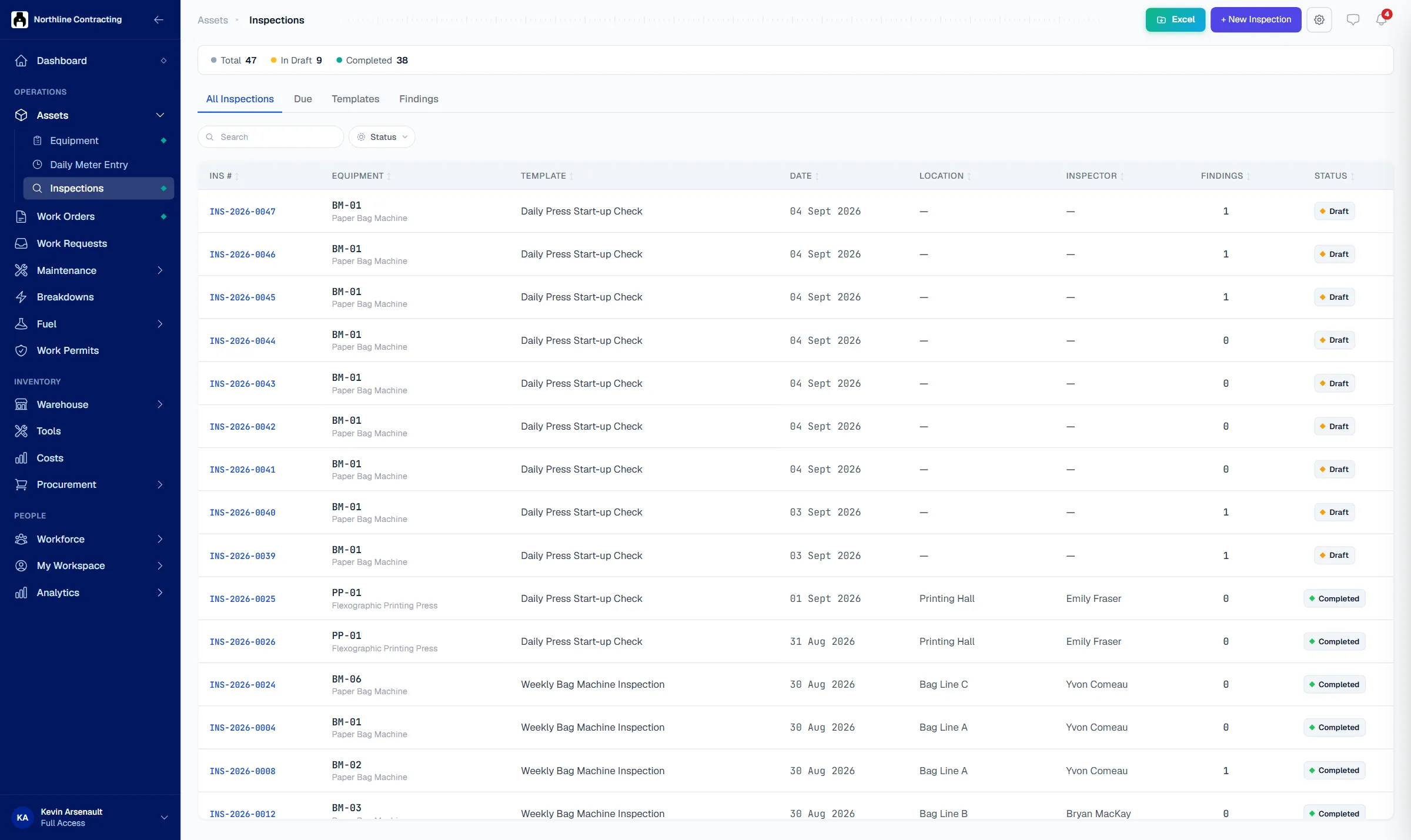
Inspectors run your checklists from a phone at the asset, with photos and a signature. A failed item becomes a finding that is tracked until it is fixed.
Try the Business plan free for 14 days. No card needed.

Key points
- A failed checklist item becomes a tracked finding, not a tick on a form nobody reads again.
- Every completed inspection prints as a signed PDF with photos, findings and who was operating the asset.
- A daily inspection report can be emailed to managers on a schedule, with no manual compilation needed.
The problem
Paper checklists prove little and fix nothing.
Checks are ticked, not done
The pre-use sheet for every forklift is ticked in one pen at the end of the week. Nobody can say when each check really happened.
Problems are found and forgotten
An inspector notes a cracked guard on the sheet. The sheet goes in a folder, and the guard is still cracked a month later.
Audits turn into a search
An auditor asks for last quarter's boiler inspections. Someone spends a day finding sheets, and some are unsigned or missing.
How it works
From the checklist to the fix, on the record.
Your checklists, on a phone
Build checklist templates for each type of asset, set how often they are due by calendar or meter, and run them from a phone at the asset with photos and remarks.
- Templates per asset type
- Due by calendar or meter
- Photos, remarks and meter reading

A failed item becomes a finding
Each failed item is raised as a finding with its photo and severity. It stays on the findings list until someone resolves it, and a work order can be opened from it in one step.
- Findings with photo and severity
- Work order opened from a finding
- Open until someone resolves it

A signed record for every inspection
Every completed inspection prints as a signed PDF with the answers, photos, findings, where the asset was and who was operating it. A daily inspection report can be emailed to managers on a schedule.
- Signed PDF inspection report
- One sheet per finding for the wall
- Daily report emailed on a schedule

Questions
Frequently asked questions
What happens when an inspection item fails?
Does an inspection record where the asset was?
Will an asset we have never inspected show up as overdue?
Is there a printed inspection record?
Can I build an inspection checklist for heavy equipment?
Which plan includes inspections?
Run your first digital inspection this week.
Try the Business plan free for 14 days, with no card. After that, one user and up to 25 assets stay free for as long as you like.